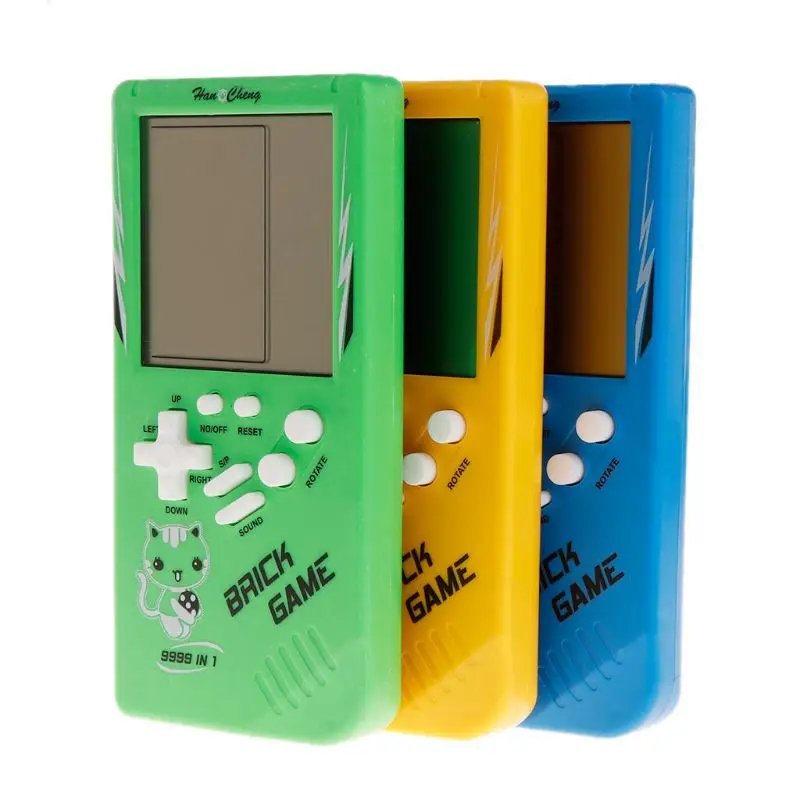
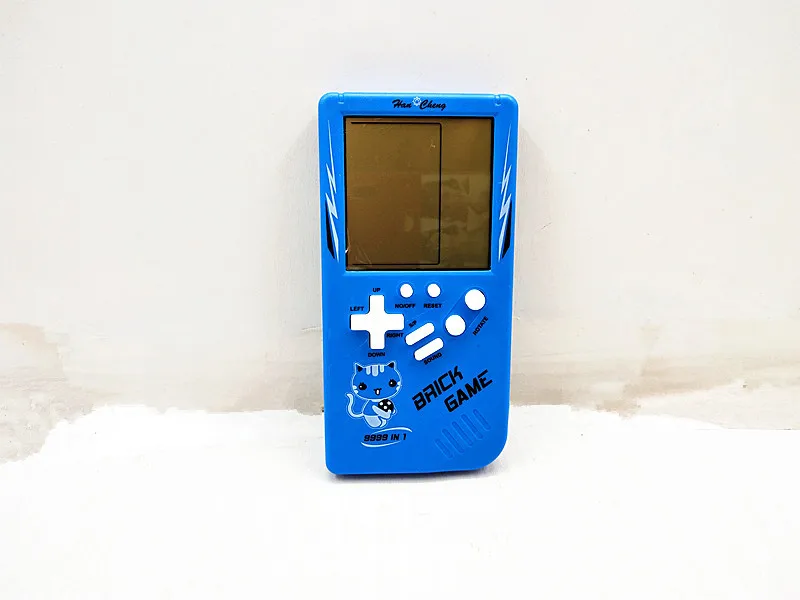
Product Description
✨ Key Features
-
Classic Games: Packed with iconic retro mini games (Tetris, Snake, Racing, etc.) to revisit childhood fun and endless entertainment.
-
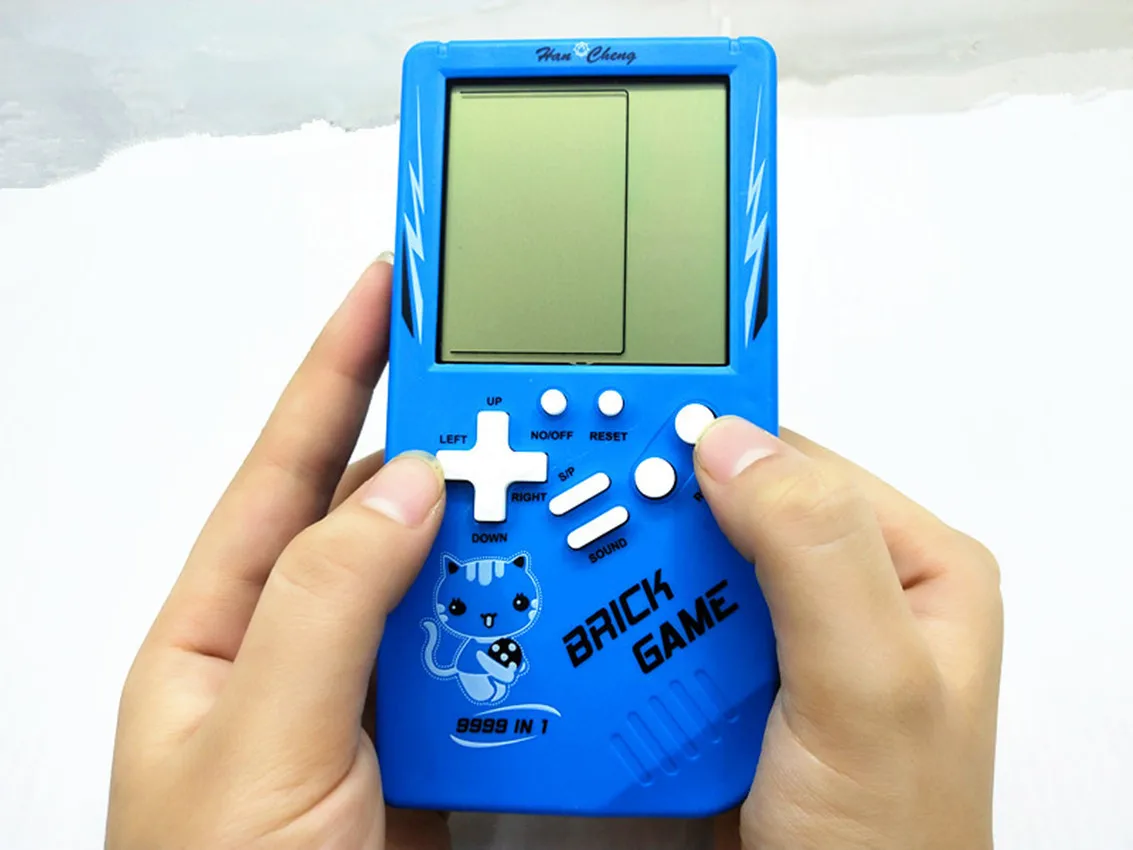
Large Clear Screen: Upgraded large display for a smooth, comfortable visual experience, reducing eye strain during long play sessions.
-
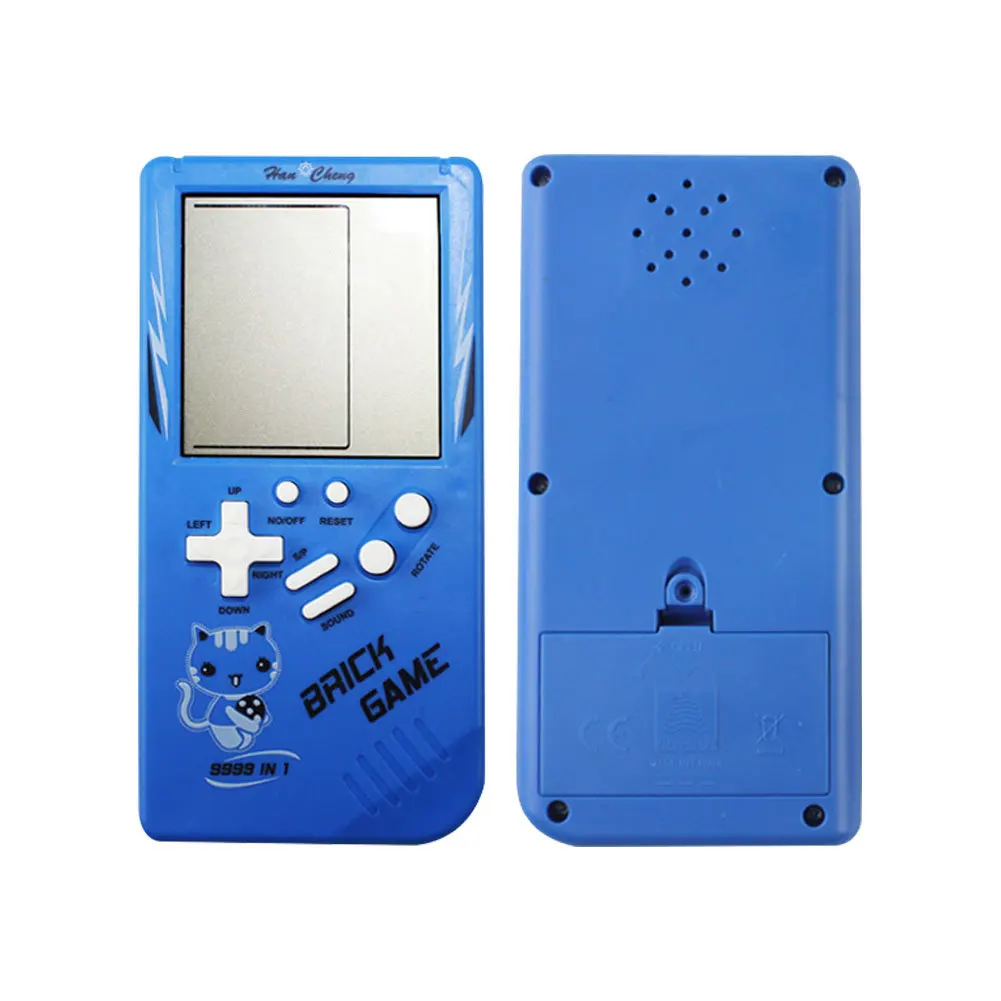
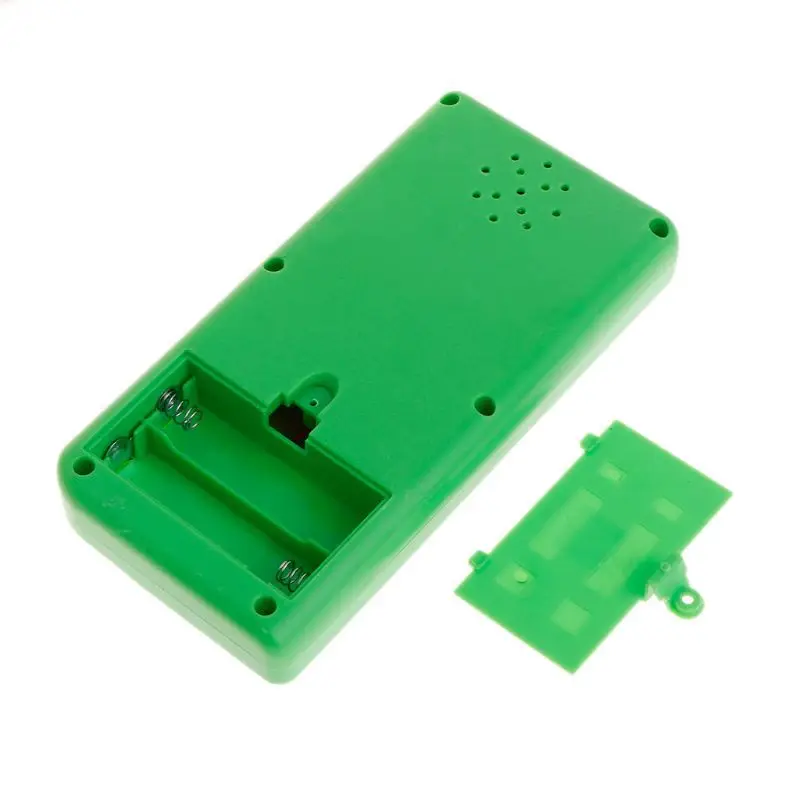
Ultra-Portable Design: Battery-powered (AA batteries required, not included) for on-the-go gaming, perfect for travel, commutes, or family trips.
-
Premium Durable Build: Made with high-quality plastic and precision electronic components, ensuring long-lasting stability and reliable performance.
-
Fun for All Ages: Suitable for ages 14+, ideal as a nostalgic gift for adults or a screen-time alternative for kids.
📋 Product Specifications
-
Product Name: Classic Retro Handheld Game Console
-
Item Type: Portable Electronic Game Player
-
Material: Durable Plastic + Electronic Components
-
Power Supply: 2 x AA Dry Batteries (NOT Included in the Package)
-
Origin: Mainland China
🎮 How to Use & Function Introduction
-
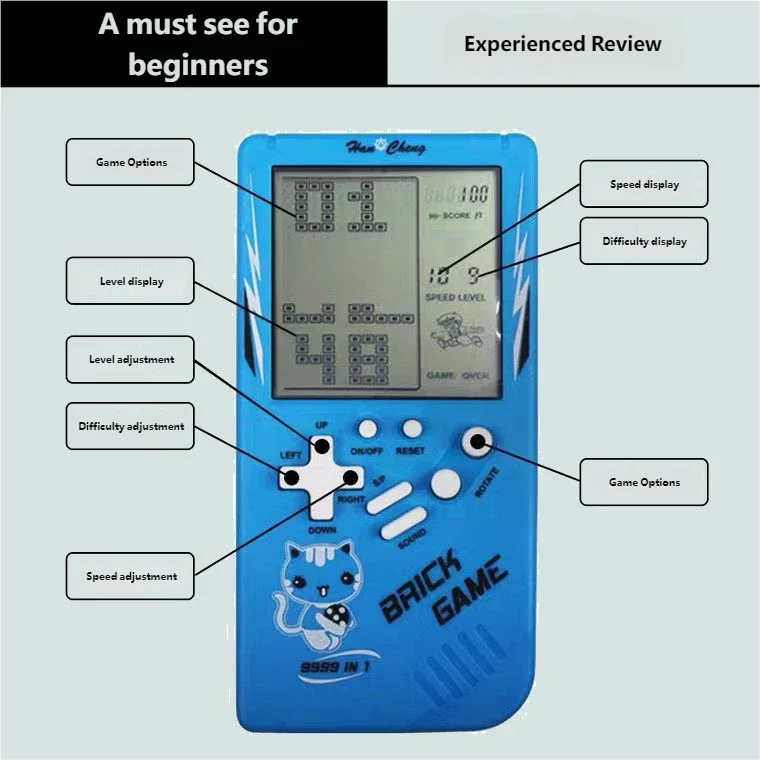
ON/OFF Button: Power switch, turns the console on/off
-
RESET Button: Reset key, restores the game to its initial state with one click
-
MUTE Button: Volume switch, turns game sound on/off
-
S/P Button: Start/Pause key, controls game start and pause
-
ROTATE Button: In standby mode, press to select 26 games from A to Z
-
LEVEL Button (←): In standby mode, press to select game difficulty from Level 1 to 10
-
SPEED Button (→): In standby mode, press to select game speed from Speed 1 to 10
-
↑/↓ Arrow Keys: In standby mode, press up/down to switch and select games
🎯 Game Introduction & Operation Guide
-
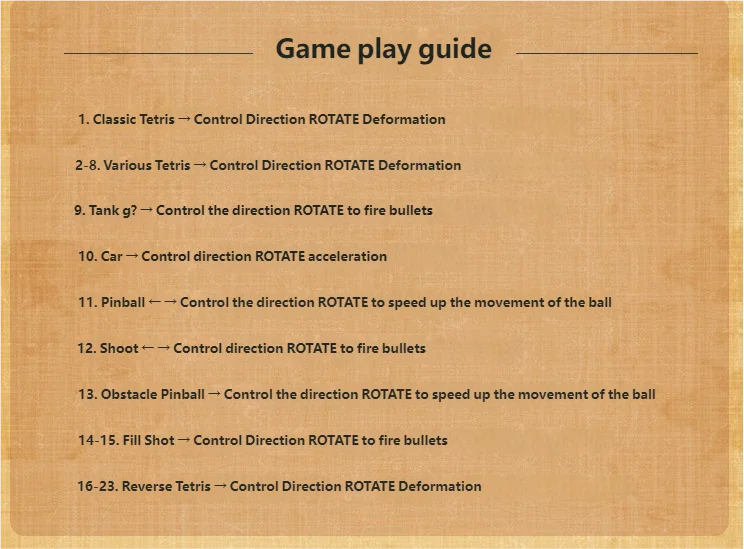
A. Tank Battle: Use ↑↓←→ to control the tank direction, press ROTATE to fire bullets
-
B. Pong Game: Use ←→ to control the paddle direction, press ROTATE to increase ball speed
-
C. Galaga (Space Invaders): Use ←→ to control the aircraft direction, press ROTATE to fire bullets
-
D. Brick Breaker: Use ←→ to control the paddle direction, press ROTATE to increase ball speed
-
E. Racing Game: Use ←→ to control the car direction, press ROTATE to accelerate
-
F. Obstacle Racing: Use ←→ to control the car direction, press ROTATE to accelerate
-
G. Shooting Game: Use ←→ to control the character direction, press ROTATE to fire bullets
-
H. Fill & Shoot: Use ←→ to control the character direction, press ROTATE to fire bullets
-
I. Snake Game: Use ↑↓←→ to control the snake direction, press ROTATE to speed up
-
J. Frogger: Use ←→ to control the frog direction, press ROTATE to jump
-
K~Z. Tetris Series: Use ←→ to move blocks left/right, press ROTATE to rotate blocks (K1 is the classic original Tetris)
📦 Package Included